iOS Camera App
Film aesthetics
at your fingertips
A variety of film filters, shaders, and overlays
to create an authentic analog film look.
iOS Camera App
A variety of film filters, shaders, and overlays
to create an authentic analog film look.
Features
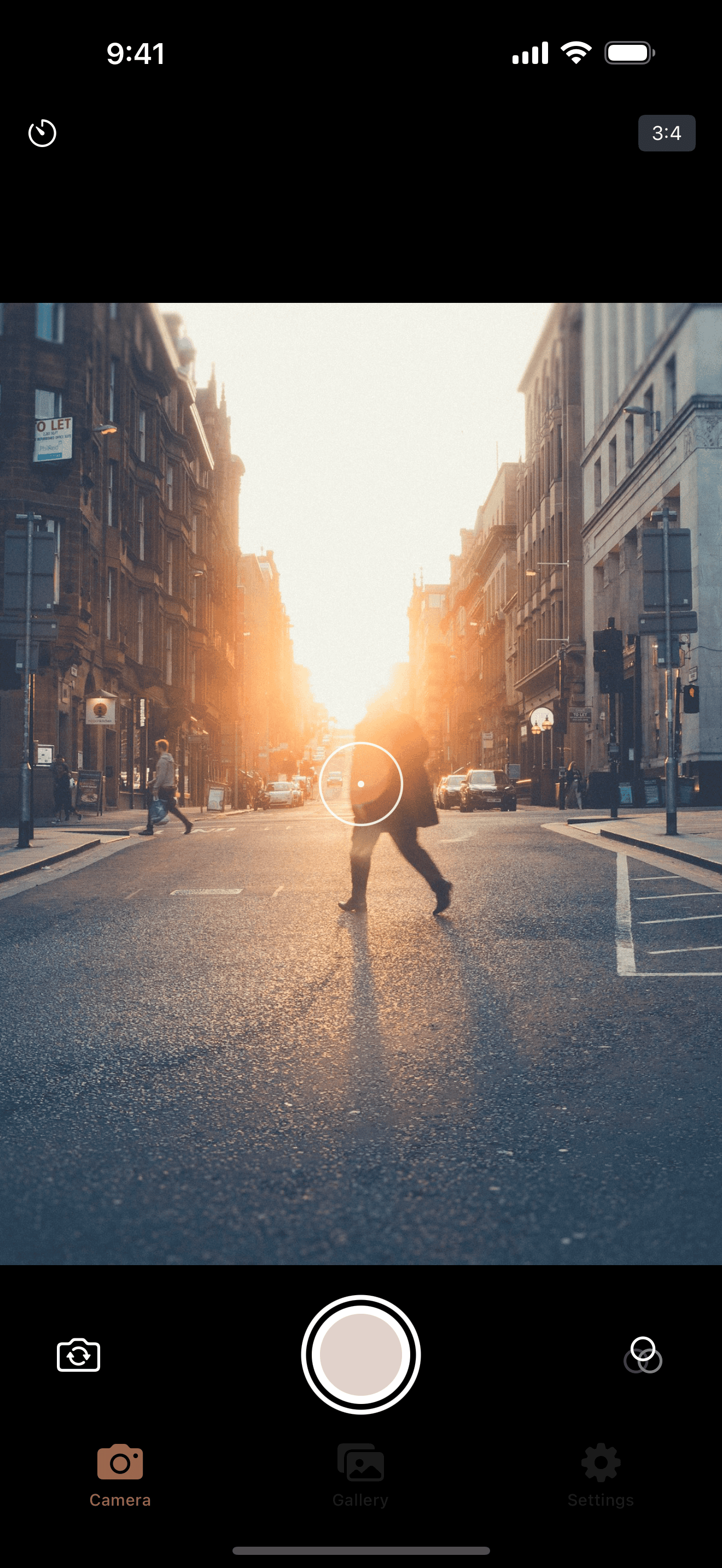
Grainly adds real film texture and color to your digital photos.
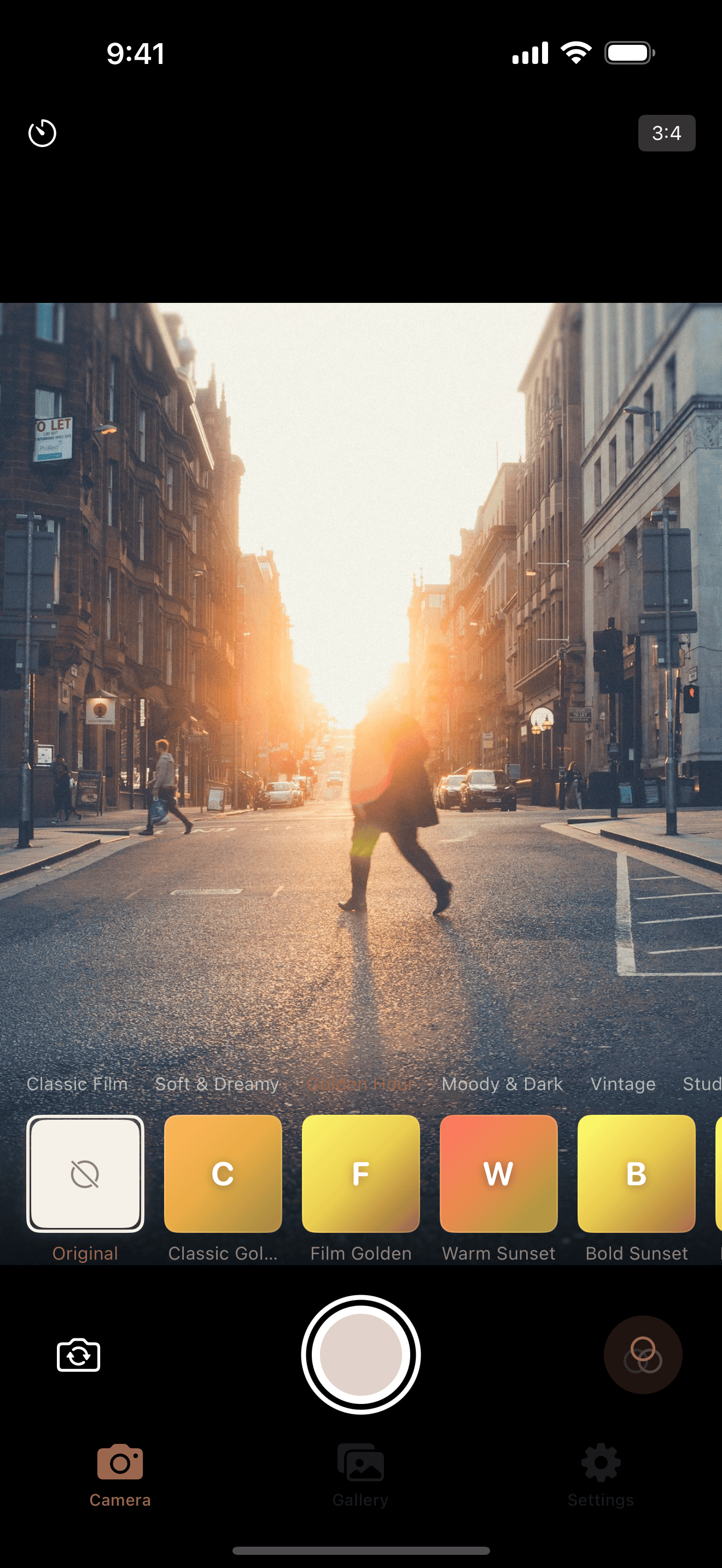
A curated LUT collection faithfully reproducing real film stocks
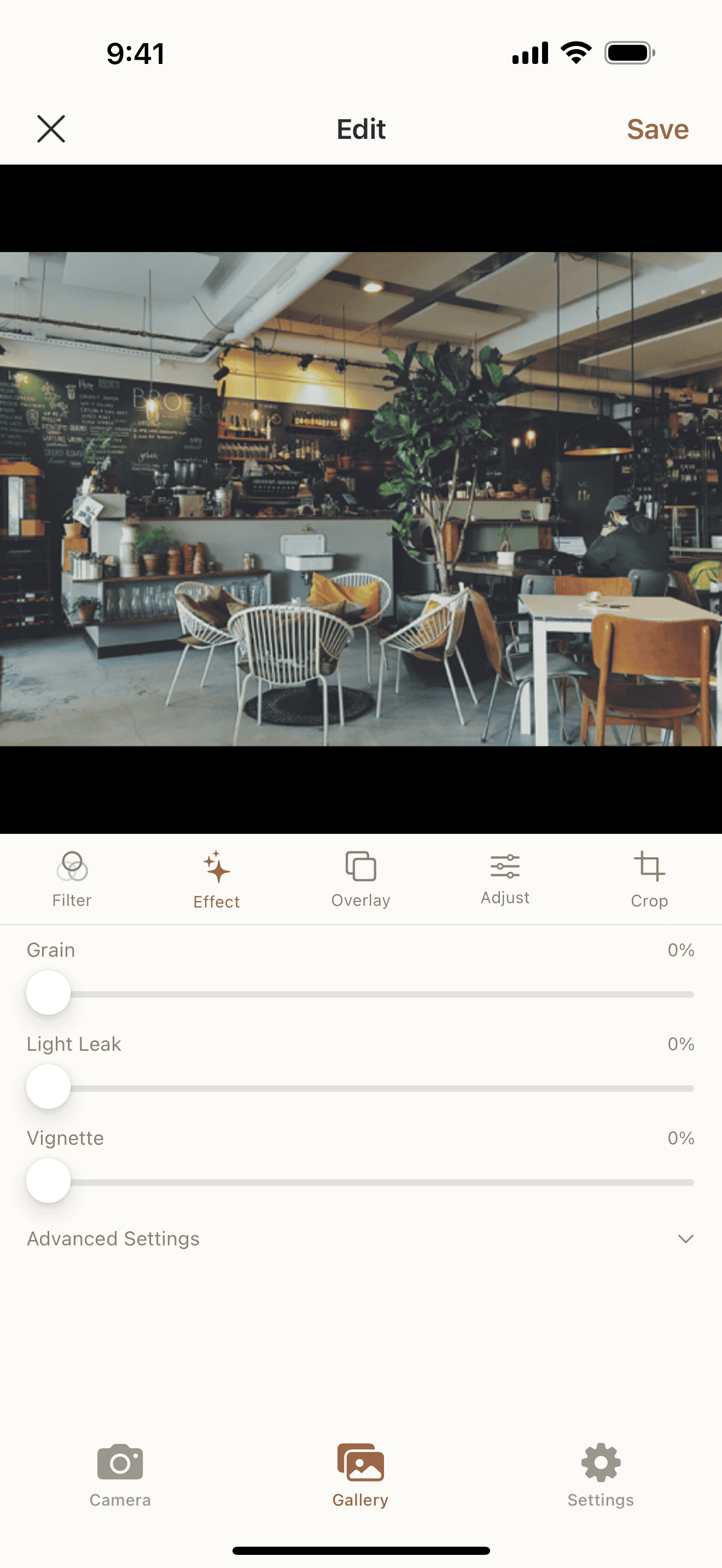
Grain, bloom, halation, and other film-specific effects in real time
Add a layer of analog feel with bokeh, dust, flare, and grain textures
See filter effects in real time before you shoot and capture the perfect moment
Fine-tune exposure and smooth zoom controls to frame the perfect composition
Save and share your photos with filters applied at full original resolution
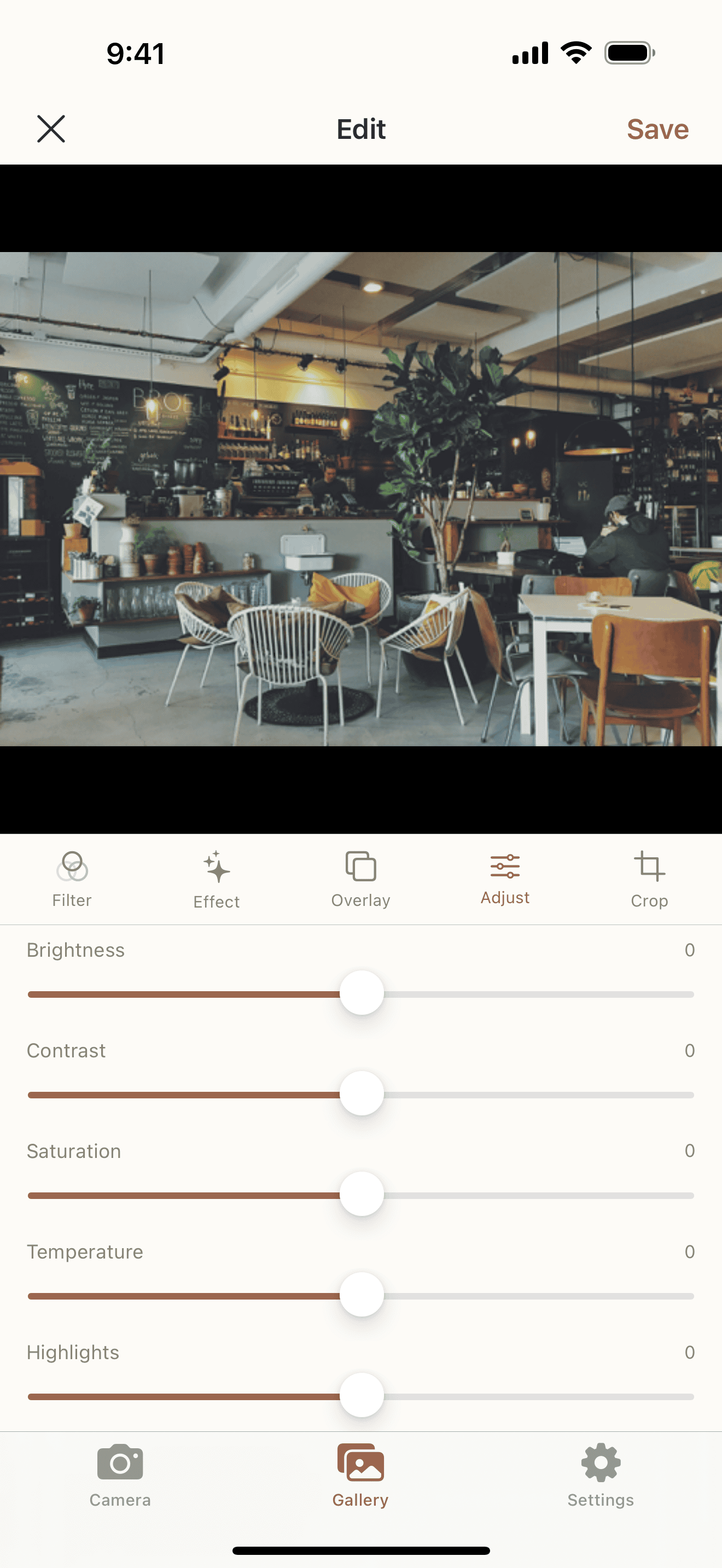
Screenshots
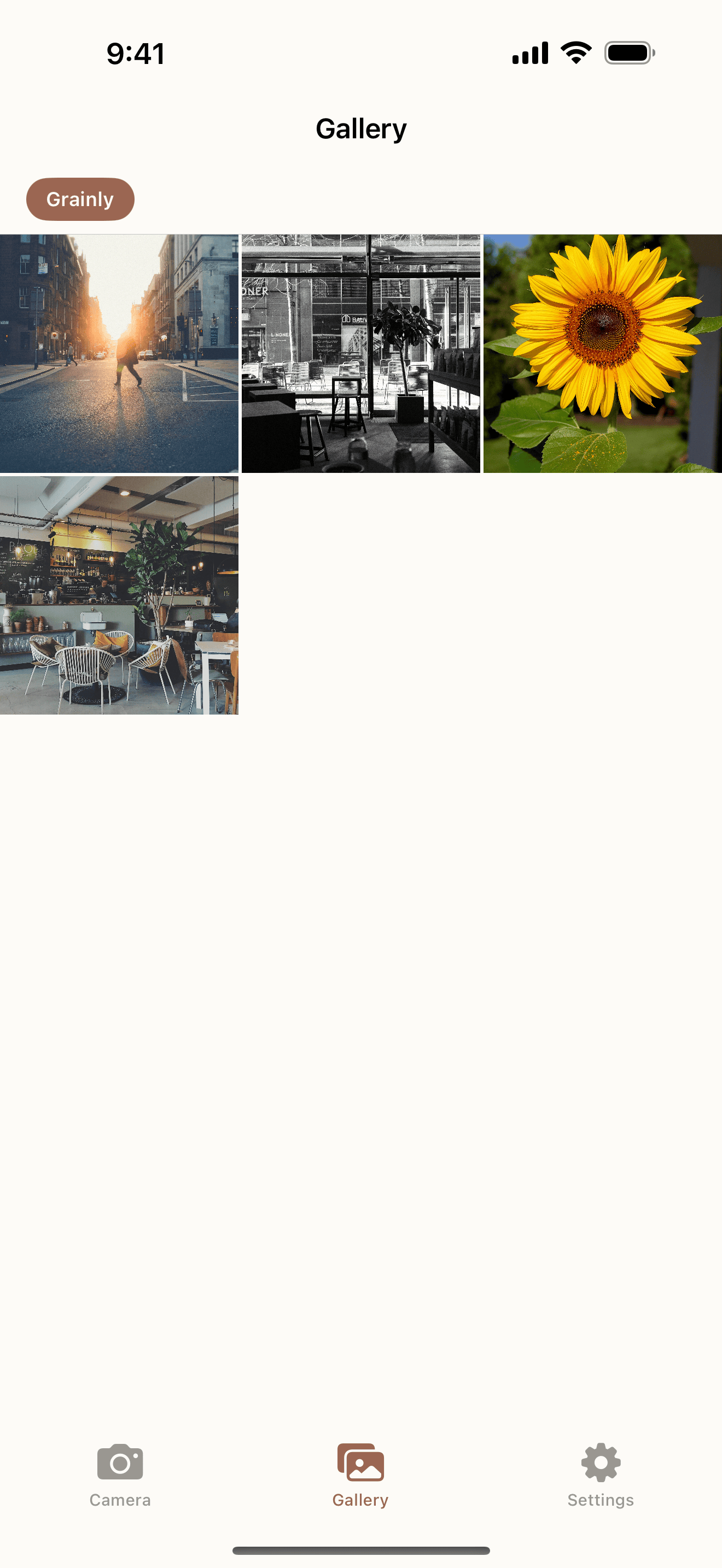
An intuitive interface that makes it easy for anyone to create film-inspired photos.
Support
Find answers to common questions or reach out to us directly.
Grainly supports iPhone running iOS 17.0 or later.
Open the camera or select a photo from your gallery, then swipe through the filter collection at the bottom to preview and apply filters in real time.
No. All photos are processed on your device and saved to your photo library. We do not upload or store your photos.
Yes, Grainly is a one-time purchase. Once purchased, all filters and features are available with no additional in-app purchases.
Send us an email and we'll get back to you as soon as possible.
soopoly.dev@gmail.com